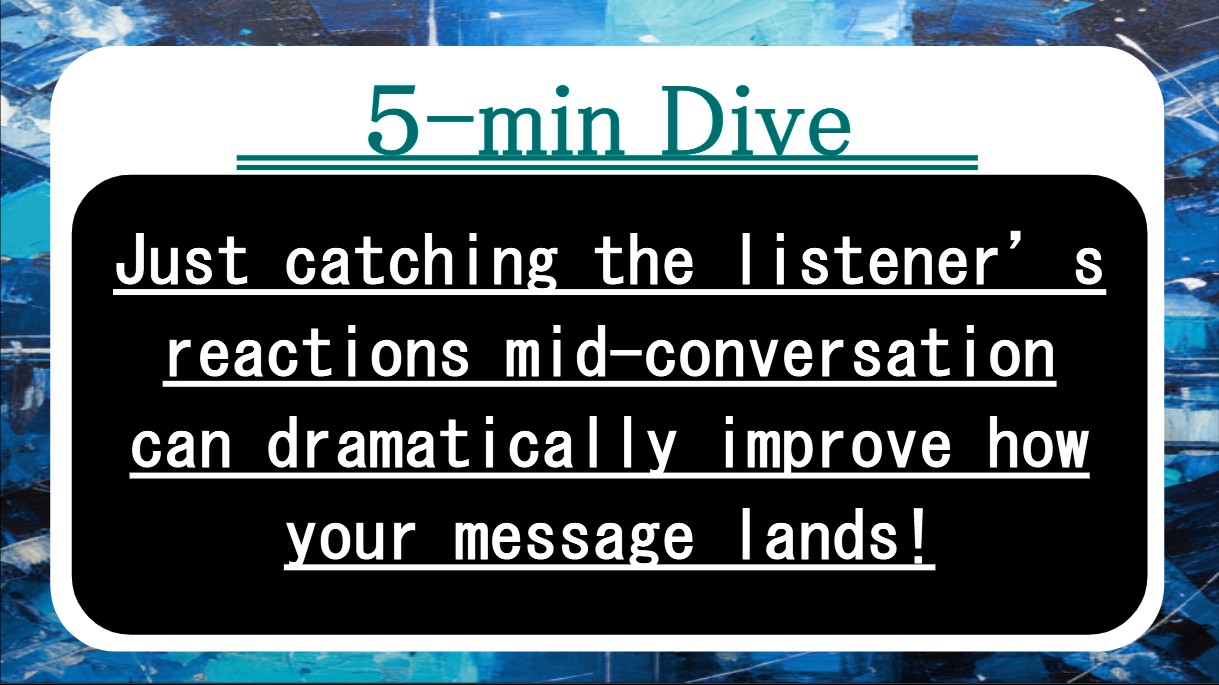
Got five minutes? This piece is about checking, not guessing—using tiny pauses, reactions, and micro-questions so people stay with you instead of getting lost halfway through.
Key terms in 30 seconds
Before we dive in, here are five keywords we’ll keep coming back to.
- Signal stack — your mix of cues (reactions, chat, body language) that shows how the room is doing in real time.
- Micro-check — a 10-second question or poll that reveals whether your point actually landed.
- One-line takeaway — a short 7–15 word summary that sits on screen and anchors the main idea.
- Reaction rule — a simple instruction like “👍 = clear, ❓ = slow down” that lowers the cost of speaking up.
- Confirm–tune loop — the habit of checking, adjusting, and re-checking instead of pushing through a fixed script.
1. What’s really going on here
Most talks fail quietly, not loudly. People stop tracking somewhere in the middle, but the speaker keeps going because no one says “wait.” Online, cameras are off; onsite, faces are polite. Either way, you’re driving without a dashboard.
The fix is to build a simple dashboard on purpose. That means creating a small signal stack: where will reactions appear, how will people show “I’m lost,” and when will you stop to look? Add low-effort micro-checks—“A or B?”, “Type one word in chat”—so people can respond without feeling tested. Pair each chunk of content with a one-line takeaway on screen so everyone knows, “This is the main thing right now.”
Once you treat clarity as a confirm–tune loop instead of a one-way broadcast, the pressure drops. You don’t have to nail the perfect explanation on the first try; you need a good-enough version plus two or three quick ways to see whether it worked, then adjust. The same slide deck suddenly becomes more useful because the audience is allowed to steer.
[Completely Free] Utility Tools & Work Support Tools
You can use practical tools like CSV formatting, PDF conversion, and ZIP renaming entirely in your browser, all for free. Each tool page clearly explains “How to use it”, “What the output looks like”, and “Important notes & caveats”, so even first-time users can start without confusion.
2. Quick checklist: Am I getting this right?
Use this as a five-point sanity check. If you can say “yes” to most of these, you’re designing for understanding, not just delivery.
- You’ve told people how to react (👍/❓, short chat replies, quick polls) instead of hoping they interrupt on their own.
- Each major slide or section has one visible sentence that states the core point in plain language.
- You have at least three ready-made micro-checks (“main driver?”, “biggest risk?”, “keep or cut?”) you can drop in anytime.
- You plan at least one closing prompt like “Type three words you’re taking away” before you end the session.
- For hybrid or online talks, you know where to look (camera, gallery, chat) during each pause so the signals don’t get missed.
3. Mini case: One short story
Mini case
Sam runs a weekly project update over video. He screenshares a dense slide deck, talks for 20 minutes, and finishes with “Any questions?” He usually gets silence—until the next day, when confused DMs arrive.
One week he experiments with a lighter flow. He moves the camera near the middle of his screen, trims each slide to one headline, and adds a bold one-line takeaway at the bottom. At each section break he says, “If this made sense, hit 👍. If not, ❓ and I’ll rephrase.” He also throws in a quick “A or B?” question about a trade-off and asks three people to explain their choice in one sentence.
The meeting runs only five minutes longer, but the follow-up DMs almost disappear. People start using his reaction rule in other meetings because the pattern is easy to copy: show, pause, check, tune, move on.
4. FAQ: Things people usually ask
Q. Won’t constant checks slow me down too much?
A. Short checks save long detours. A 15-second “Type the main risk in chat” now is cheaper than a 30-minute fix meeting later. Aim for one micro-check per big idea, not after every sentence.
Q. How do I keep questions from feeling like a test?
A. Frame them as tools for you, not the audience: “I’m checking whether I explained this clearly—give me a quick A or B.” Let people answer anonymously in chat or polls when possible, and praise honest “I’m lost” signals.
Q. Does this work for written docs and email, too?
A. Yes. Put a one-line summary at the top, then add a tiny request at the end: “Reply with 1) biggest concern and 2) go/no-go.” Even async, you’re still running a small confirm–tune loop instead of pushing information and hoping for the best.
5. Wrap-up: What to take with you
If you only remember a few lines from this article, let it be these:
Clarity isn’t a one-time speech; it’s a cycle. You say a little, check, adjust, and check again. Online or onsite, this loop turns the same content into better outcomes because people are allowed to signal what they actually heard.
Build a simple signal stack, keep a small bank of micro-questions, and put one-line takeaways where everyone can see them. Once those are in place, you don’t need to be a “natural presenter” to be understood—you just need to keep the loop running.
- Design your signal stack: decide how people will say “clear” or “confused” before you start talking.
- Prepare 3–5 micro-checks and one-line summaries so you can confirm and tune without thinking too hard.
- In every talk or doc, end with one tiny prompt that shows what actually stuck—and use that to adjust next time.