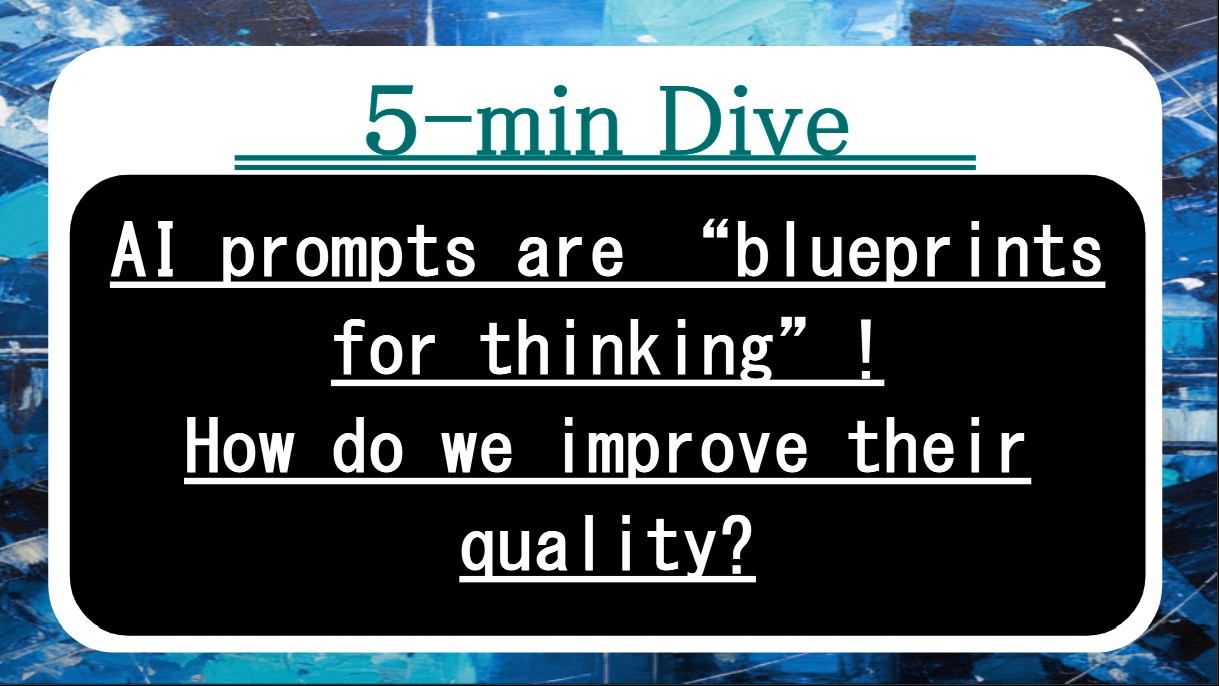
Got five minutes? This piece shows how to treat prompts as specs—with goals, edges, and criteria—so AI stops guessing and starts delivering work you can actually use.
Key terms in 30 seconds
Before we dive in, here are five keywords we’ll keep coming back to.
- Spec mindset — seeing prompts as instructions with goals and limits, not as vague wishes or one-line requests.
- Edge examples — paired good/bad samples that show where the line is, so style and length stop drifting.
- Staged drafting — splitting work into outline → style → polish instead of asking for perfection in one shot.
- Audience guardrails — simple rules about who it’s for, what vocabulary is allowed, and what must be avoided.
- Acceptance criteria — clear checks (“short, concrete, no jargon,” etc.) that tell you when the output is “good enough.”
1. What’s really going on here
Most “bad AI outputs” are not model problems; they’re spec problems. We type a wish—“make this clearer” or “write a good summary”—and hope the system reads our mind. It can’t. Without a clear target, it fills the gaps with its own defaults: too long, too formal, or off-topic.
A spec mindset fixes this. Instead of begging, you design: you state the goal (“teach X to Y”), define the audience guardrails (“middle-school level, no heavy jargon”), set the shape (“3 bullets + 1 short paragraph”), and write simple acceptance criteria (“each bullet has one concrete example”). You don’t just say “good” or “bad” — you say why.
Edge examples make that spec real. You show one short, vivid sample that hits the mark and one “don’t do this” sample that breaks your rules (for example, too long or too abstract), plus a one-line reason for each. Then you use staged drafting: first ask for an outline; next, a style pass; last, a tight polish within your length limits. The model gets more chances to align, and you get fewer rewrites.
Once you’re used to this, you can reuse the same four-part skeleton—Goal, Inputs, Shape, Judge—across topics and projects. Prompts stop being one-off experiments and become a small library of specs you can refine over time.
[Completely Free] Utility Tools & Work Support Tools
You can use practical tools like CSV formatting, PDF conversion, and ZIP renaming entirely in your browser, all for free. Each tool page clearly explains “How to use it”, “What the output looks like”, and “Important notes & caveats”, so even first-time users can start without confusion.
2. Quick checklist: Am I getting this right?
Use this as a five-point sanity check. If you can say “yes” to most of these, you’re prompting like a spec writer, not a gambler.
- You can point to a one-line goal for the prompt (“what this output must achieve”), not just a topic name.
- Your prompt mentions a specific audience and tone (e.g., “middle-school friendly, calm, and practical”).
- There is at least one edge example: a short “do” sample and a short “don’t” sample with a reason.
- You’ve chosen a basic Shape: headings, bullet count, or paragraph limits, not “write as much as you like.”
- You know your acceptance criteria in advance—how you’ll decide to keep, tweak, or redo the result.
3. Mini case: One short story
Mini case
A study group uses AI to draft short explainers for science topics. At first, they send loose prompts like “explain photosynthesis” and get walls of text that all sound different and are hard to read aloud in class.
One member suggests a tiny spec template. They agree on a goal (“prepare a 90–120 second explanation for classmates”), set audience guardrails (“no unexplained jargon, use 1 daily-life analogy”), define the shape (“3 short paragraphs: setup, process, result”), and add acceptance criteria (“each paragraph must fit on one slide”). They also paste a short good example and a too-long, textbook-like example, and label why the second fails.
Within a week, their explainers sound consistent across different topics and presenters. They spend less time fixing tone and more time checking the science, because the prompt spec does most of the style work for them.
4. FAQ: Things people usually ask
Q. Isn’t this overkill for quick everyday prompts?
A. You don’t need the full framework every time, but even a “mini spec” helps: one line for the goal, one for audience, one for shape. Use the full four-part version when the output really matters—shared docs, class work, or anything you’ll show to others.
Q. What if I’m not sure what I want until I see it?
A. That’s normal. Start rough, see the first attempt, then update the spec from what’s wrong. For example: “too formal → say ‘casual but polite’,” “too long → max 3 bullets.” Treat early outputs as feedback on your instructions instead of a final result.
Q. Can I use one spec for every task and just change the topic?
A. You can reuse the structure, but details should change. The same four parts (Goal, Inputs, Shape, Judge) work across domains, yet “good tone” and “good length” look different for homework, blog drafts, and emails. Keep a few spec patterns and tweak them rather than starting from zero each time.
5. Wrap-up: What to take with you
If you only remember a few lines from this article, let it be these:
Prompts work best when they act like specs, not wishes. That means making intent obvious, edges visible, and success measurable. A little structure up front saves a lot of frustration later.
Use edge examples to show the line, staged drafting to get there in steps, and a simple four-part spec—Goal, Inputs, Shape, Judge—to keep quality steady across topics. Over time, you’ll build a personal library of prompts that reliably give you the kind of output you actually want.
- Switch to a spec mindset: define goal, audience, shape, and acceptance criteria before you generate.
- Pair a good and bad example with reasons so the model can see the edge of what you want.
- Stage work (outline → style → polish) and keep fixing misses by updating the spec, not just complaining about the output.